
Fast PDF Reader
Fast • Lightweight • Reader
A lightweight, fast, offline-focused PDF reader built for everyday use. Open, read, search, select, highlight, draw, bookmark, and organize PDF documents directly on your device — without an account or cloud storage.

App Summary
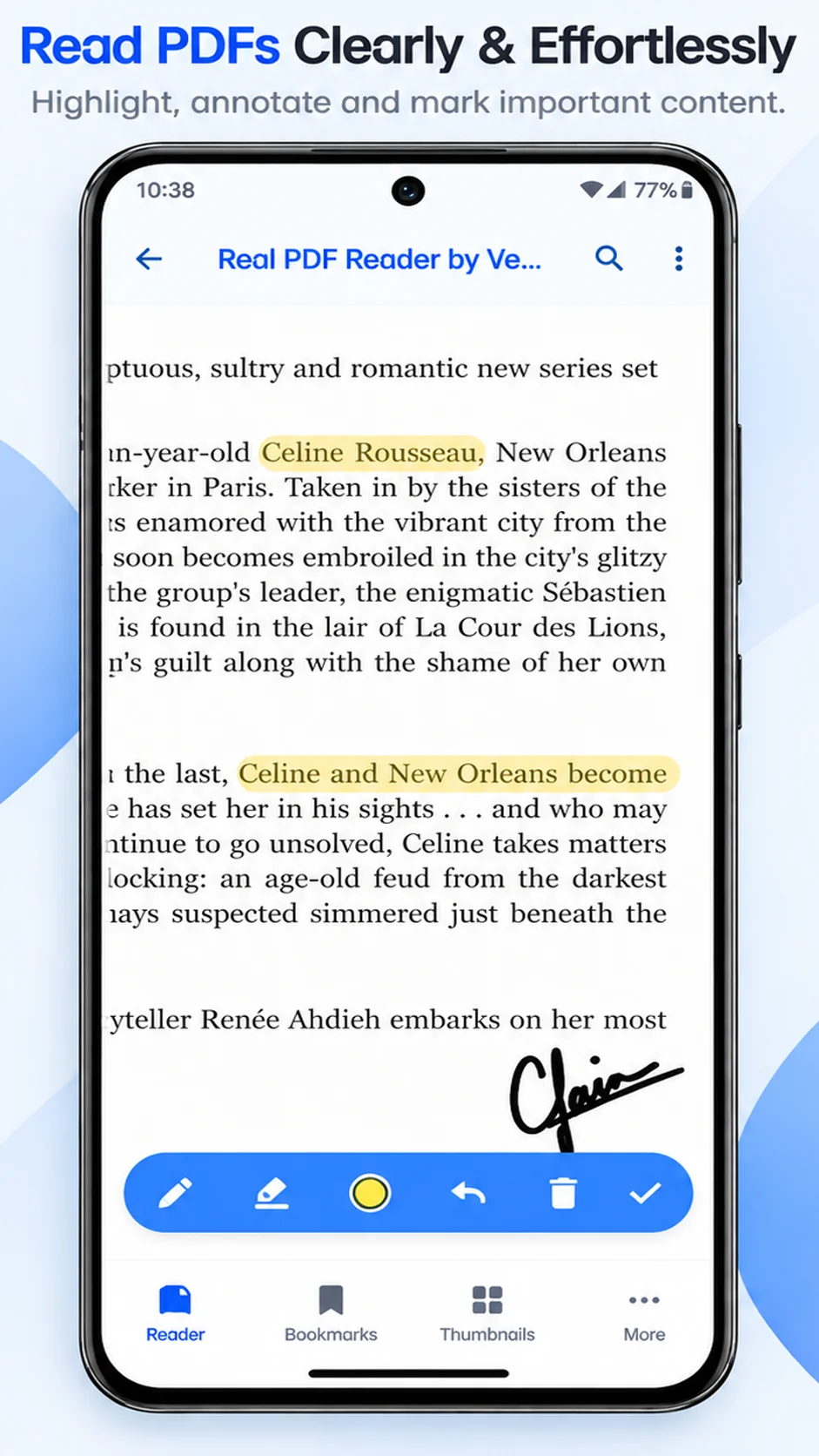
- ✔ Search, Select & Annotate Search for text inside PDFs, select and copy text, highlight important content, and draw notes directly on PDF pages.
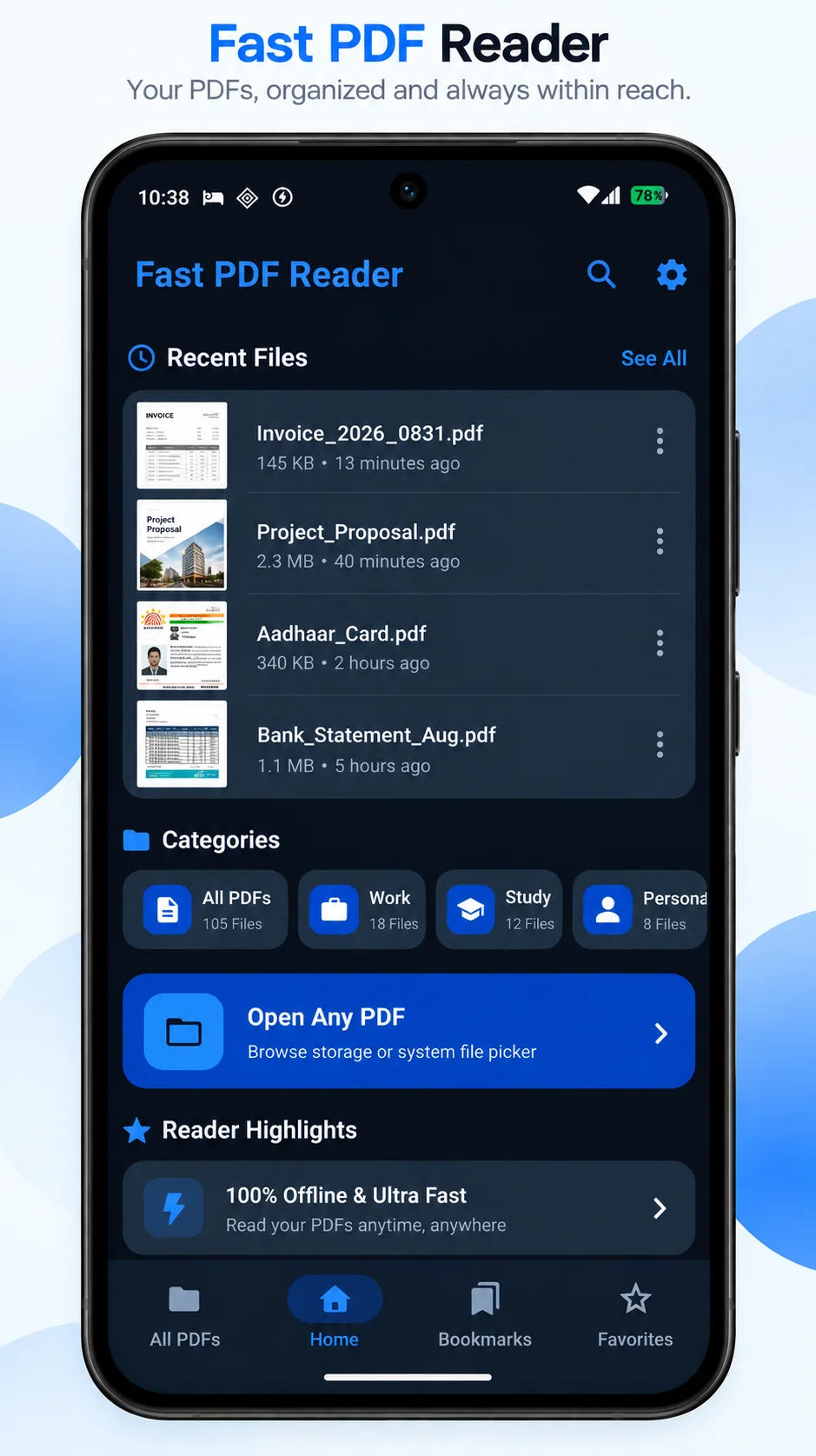
- ✔ Smart PDF Library Automatically discover PDF files on your device, bookmark important pages, and organize documents with Favorites and Categories.
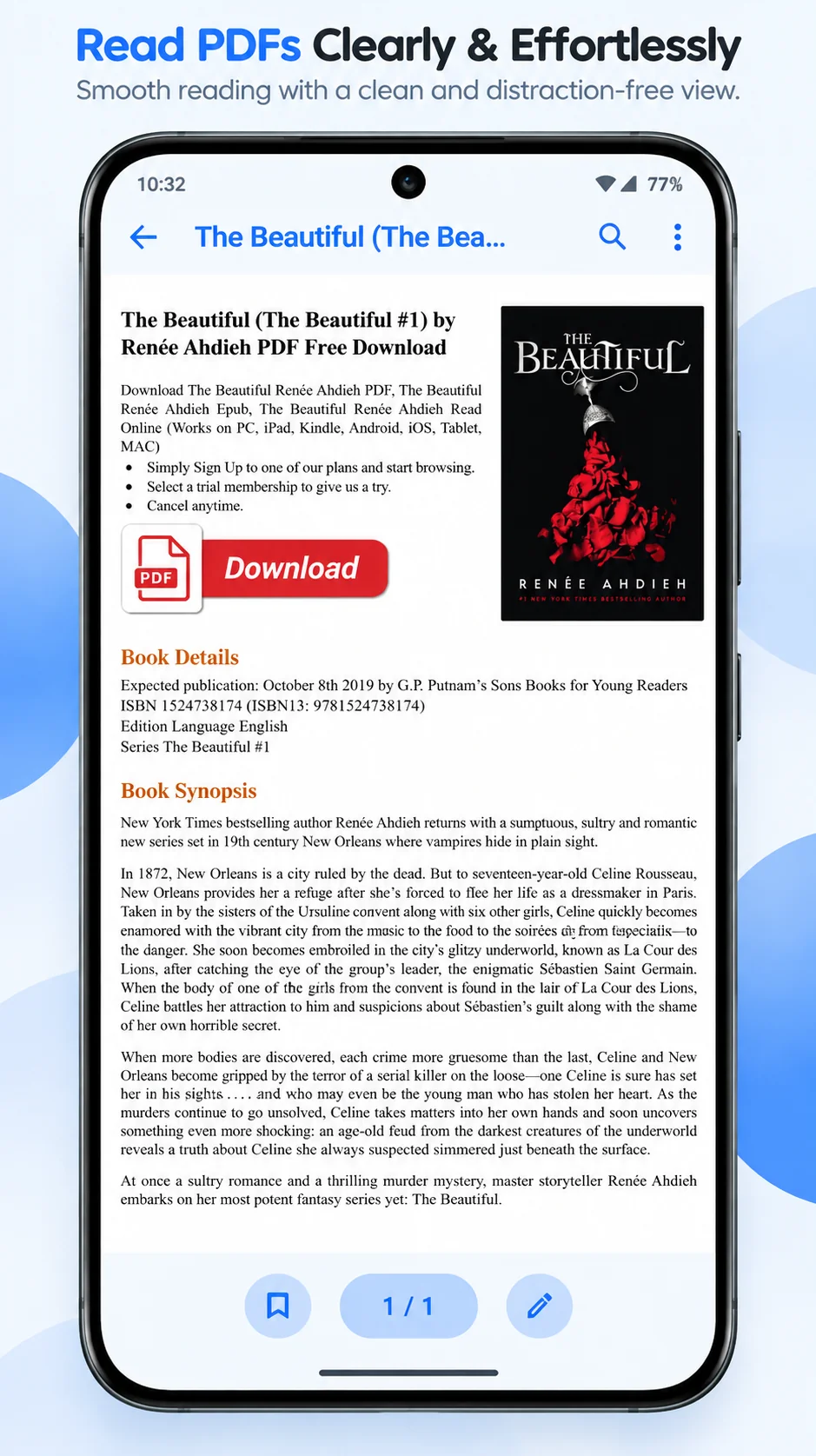
- ✔ Fast, Local PDF Reading Read PDFs with native Android rendering, page thumbnails, zoom, continuous reading, and horizontal page-flip mode. PDF processing stays on your device.
- 🔒 App Privacy Policy Fast PDF Reader operates with a local-first philosophy. Your PDF documents, book...
Interface Preview
Designed with Craft & Precision
Core Capabilities
Engineered for Focus
✏️ Draw & Highlight
Draw freehand notes and annotations directly on PDF pages, or highlight important text and study material.
📖 Fast PDF Reading
Open PDF files stored on your device with fast native rendering. Zoom, scroll, navigate by page, use continuous reading or horizontal page-flip mode, and resume from your last opened page.
🔍 Search Inside PDFs
Search for words and information inside PDF documents, view matching results, and jump between highlighted matches — including when working with large documents.
✋ Select & Copy PDF Text
Select text directly from supported PDFs using long-press and selection handles. Copy selected text or search the selected text on the web.
📚 Smart PDF Library
Automatically discover PDF files stored on your device and keep them organized with Recent Files, Favorites, Categories, and grid or list views.
🔖 Bookmarks & Quick Navigation
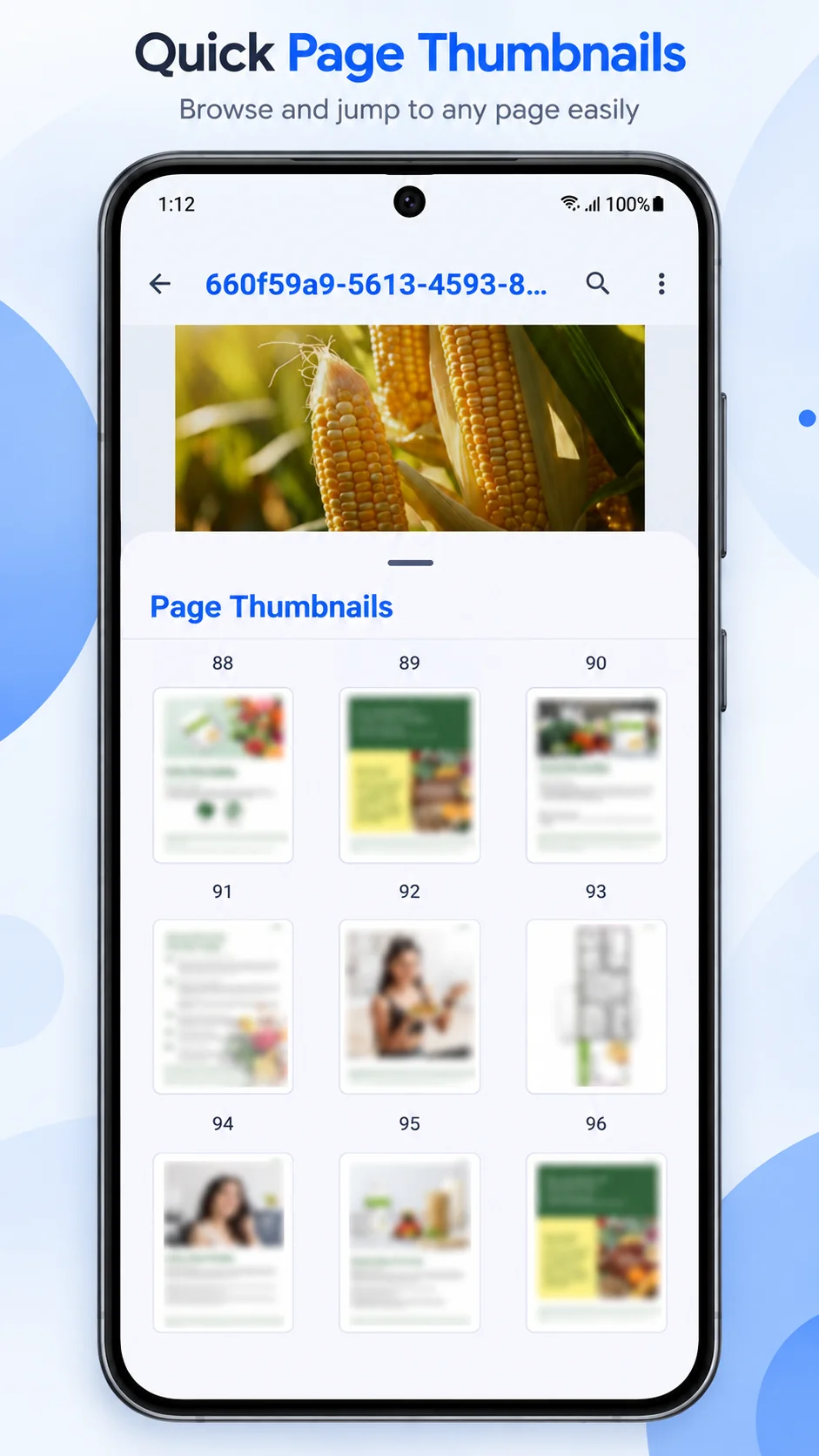
Bookmark individual PDF pages and jump back to important pages quickly. Use page thumbnails and direct page navigation to move through documents efficiently.
⚡ Multi-Select Batch Actions
Select multiple PDFs at once to share, favorite, assign categories, or delete documents in a single batch action.
🌙 Reading Modes & Themes
Choose Light, Dark, or System Theme, use Reading Mode, and keep the screen on while reading for longer sessions.
🔒 App Lock & Privacy
Protect access to your PDF library with biometric authentication or a PIN.
📁 Local PDF Processing
PDF documents are processed locally on your device. Fast PDF Reader does not require an account for core PDF reading and does not upload your PDF documents to our servers.
✍ Signature Capture
Capture a signature directly in the PDF workflow when you need to sign a document.
🖨 Save & Print
Save PDF changes and send documents to supported printing options directly from the reader.
Truth In Software
What Fast PDF Reader Does & Does Not Do
Got Questions?
Frequently Asked Questions
How do I make Fast PDF Reader my default PDF app? +
Open your device Settings, navigate to Default Apps, and select Fast PDF Reader under the PDF viewer section, or simply select "Always" the next time you tap a PDF file.
Can I open PDFs from WhatsApp, Gmail and other apps? +
Yes! Our app integrates seamlessly with Android's intent system, meaning you can tap any PDF in any other application and choose Fast PDF Reader to view it.
Does the app automatically find PDFs on my device? +
Yes. The app automatically scans your device to discover and display your PDF files in the PDF Library for quick access.
Does the app upload my PDFs? +
No. As a local-first utility, your documents stay on your device and are never uploaded to any cloud server for processing.
Can I search, favorite and organize my PDFs? +
Yes. You can quickly search for specific documents, mark important PDFs as favorites, and create categories to keep your library organized.
Does it remember my last reading position? +
Yes, the app automatically tracks and saves your reading position, so you can always resume right where you left off.
Can I search for text inside a PDF? +
Yes. You can search for specific words or phrases directly inside supported PDF documents and quickly jump between results.
Can I select and copy text from a PDF? +
Yes. Long-press on text in supported PDFs to select it, then easily copy it to your clipboard or search the web.
Can I highlight and draw on PDFs? +
Yes. Fast PDF Reader includes tools to highlight important text and draw freehand notes directly on your document pages.
Can I bookmark PDF pages? +
Yes. You can bookmark specific pages to quickly navigate back to them directly from the document overview.
Does Fast PDF Reader work offline? +
Yes. Core PDF reading, processing, searching, and document management features operate completely offline on your device.
VeeiQ Software
Intelligent tools built for privacy and trust.
Fast PDF Reader is built with respect for your focus and device. Experience honest technology without surveillance.